Make your picks. Beat the host.

Take on Chuck in quick sports prediction challenges.

Find a golf challenge
Golfsim Australia says to design the sim room before you buy a launch monitor cover
Back to The Perfect Lie

Golfsim Australia says to design the sim room before you buy a launch monitor

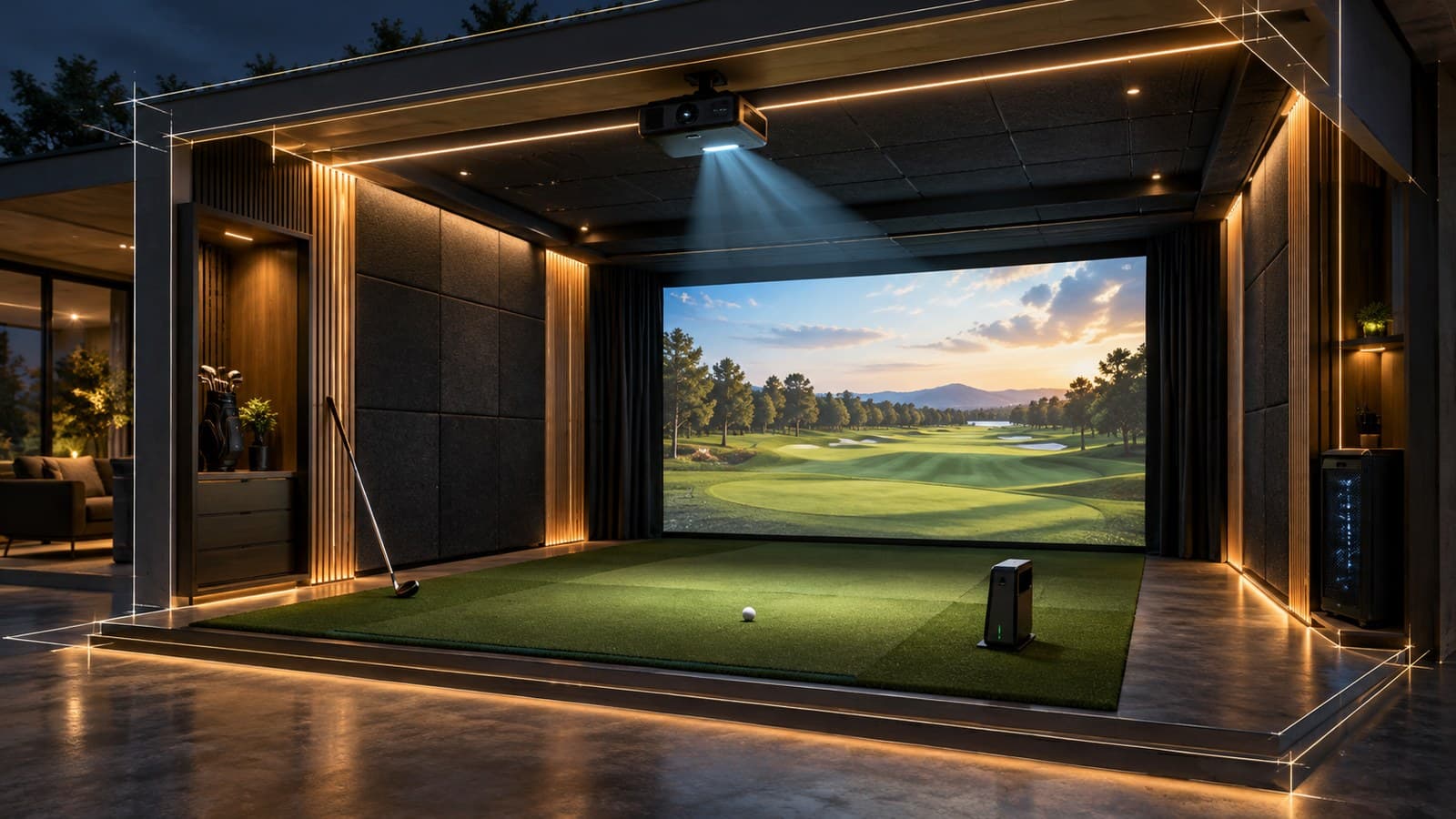
PGA professional Matty Guyatt walks through seven common home simulator mistakes in a new video. Room size, projector placement, acoustics and PC specs all trace back to planning the room as one system.

Share this article

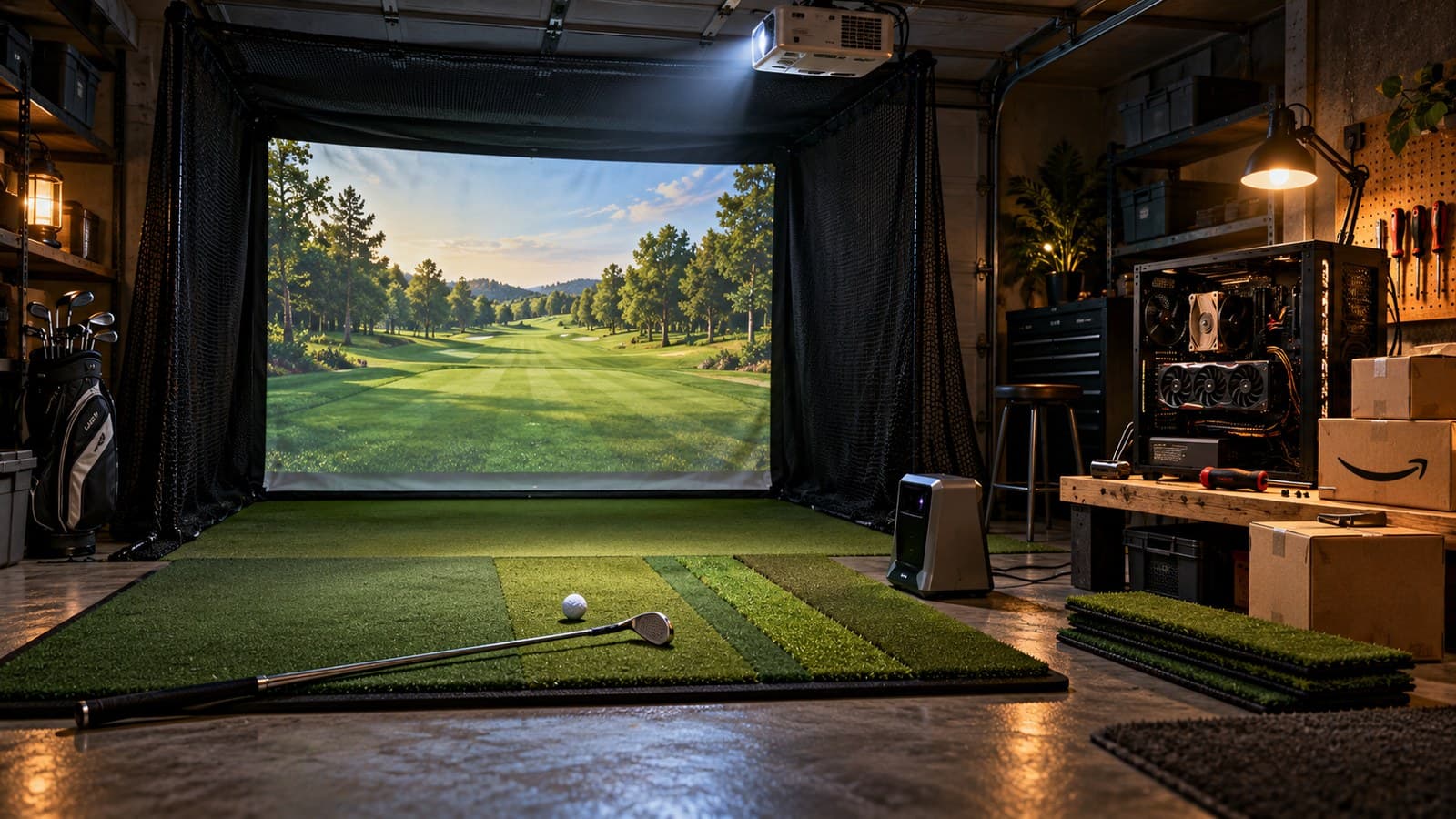
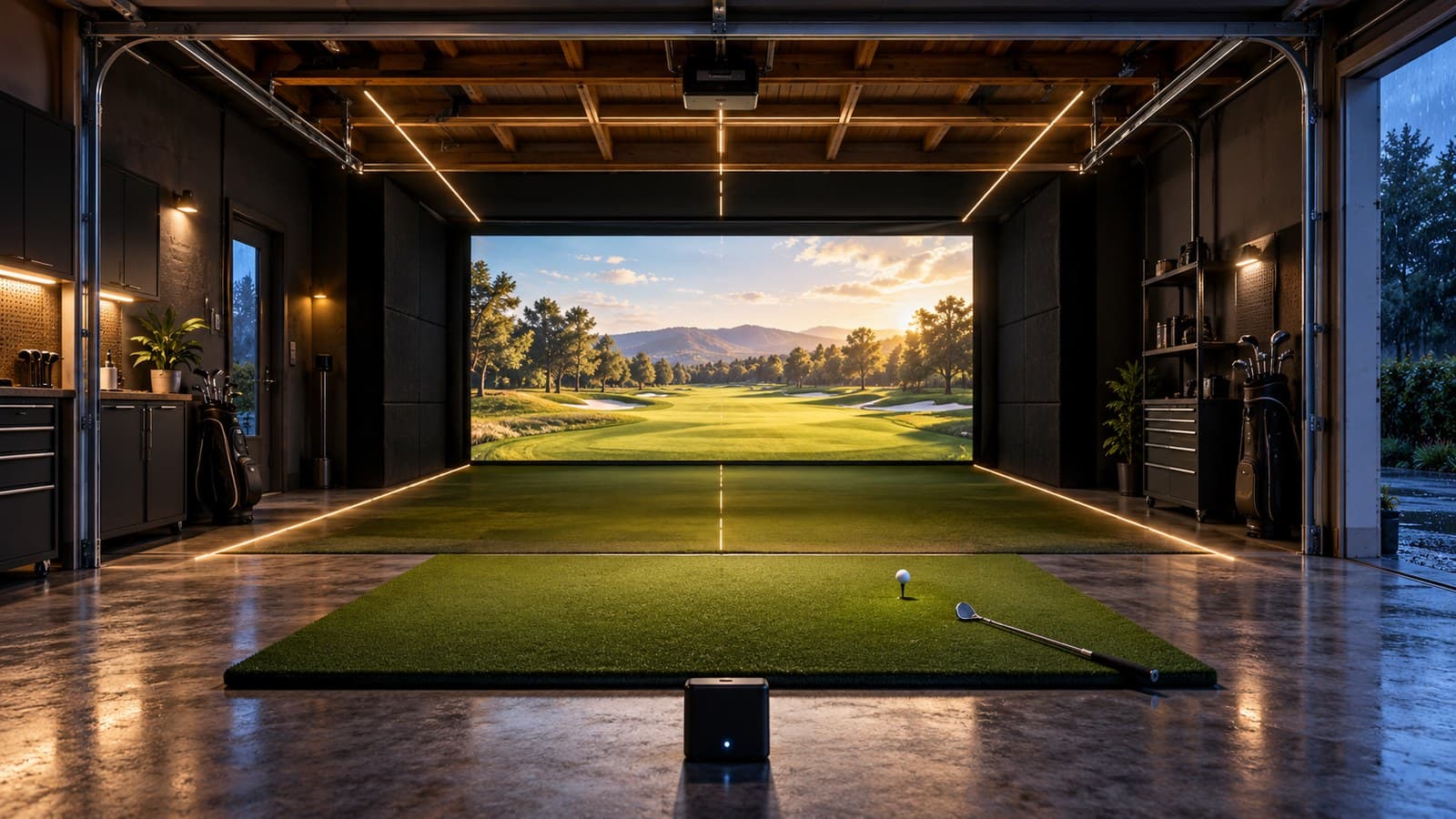
  • Golfsim Australia, an installer that says it has completed more than 1,000 simulator builds across Australia, posted a video on October 16 listing the seven mistakes it sees most often in home golf simulator projects. PGA professional Matty Guyatt presents it, and nearly every point comes back to one order of operations: design the room first, then pick the gear.

  • YouTube

    7 Mistakes to Avoid When Building a Home Golf Simulator

    Read source
  • Fitting isn't the same as working

    The first mistake, Guyatt says, is assuming a room works because it meets minimum dimensions. A space 3 meters wide (about 9.8 feet) can hold a simulator, but it forces a heavily off-center hitting position to leave room for a driver swing. A 2.7-meter ceiling (about 8.9 feet) meets the minimum for a ceiling-mounted launch monitor, he says, yet it may not clear a full driver swing, yours or a taller friend's. Five meters of depth (about 16.4 feet) can work for hitting, and then the question is where everyone else stands and sits.

    That leads to mistake two: picking a launch monitor before the room is designed. Ceiling or floor unit, left- and right-handed play, solo practice or group use all depend on the space. His one exception is a new house, where you can build the room around a monitor you've already chosen.

  • Make your call with Beat Chuck

    Check the challenge board for the latest open games.

    All Beat Chuck games →

    Golf Chuck
  • Projector, screen and sound

    On projectors, Guyatt points to throw distance, brightness and HD versus 4K. He recommends a short-throw unit that projects over the golfer's head, so no shadow lands on the screen, and an image that fills the screen without black borders. If the room will also show movies or live sport, the projector has to handle that too.

    The impact screen is mistake four. It has to survive thousands of strikes and still produce a good picture, and different fabrics make different sounds when the ball hits them. That feeds into mistake five, acoustics, which he calls one of the most common oversights. Club on ball, ball on screen and ball on floor all bounce off hard walls and floors into the rest of the house. He suggests planning acoustic padded tiles, wall paneling and flooring from the start instead of retrofitting them later.

    The PC and the shopping cart

    Mistake six is an under-specced PC. Current simulator graphics, swing cameras that record and store footage, and 4K playback all lean on the computer, he says. The last mistake is collecting gear from reviews and forums before the room has a plan. His checklist for that plan covers who will play, whether you want center hitting for lefties and righties, seating for spectators, and what technology goes in.

  • The video closes with a pitch for Golfsim Australia's design, project management and install services, so read the list as advice from a company that sells builds.

    What to do before you buy

    Measure the room and mark where the golfer stands at full driver swing, using your tallest regular guest as the test. Decide on center or off-center hitting and where people will sit. Then choose the launch monitor, projector throw and screen to fit that layout, and budget for acoustic treatment and a PC that can run your software plus swing cameras.