Make your picks. Beat the host.

Take on Chuck in quick sports prediction challenges.

Find a golf challenge
Handicap Golf's 14 DIY sim hacks lean on used gear, Amazon finds and a home-built PC cover
Back to The Perfect Lie

Handicap Golf's 14 DIY sim hacks lean on used gear, Amazon finds and a home-built PC

A new Handicap Golf video goes through cheaper ways to build a home simulator, from cutting your hitting mat into strips to buying used projectors and building your own PC. Prices are the creator's own, mostly in pounds.

Share this article

  • Handicap Golf's latest video is a budget checklist for anyone building a home simulator. In "These 14 DIY Golf Simulator Hacks will save you $1,000's," posted Oct. 24, the UK-based channel's host says he has spent six years helping golfers build home setups, and he goes through the cheaper ways to buy, or skip, nearly every part of a bay.

  • YouTube

    These 14 DIY Golf Simulator Hacks will save you $1,000's

    Read source
  • The prices below are his own, mostly in pounds, and we have not checked them against retailers.

    Start smaller than you think

    His first point is that you don't need a $20,000 room for the same shot data. A mat, a net and a launch monitor are enough, he says, and he points to a SimSpace bundle with all three for around £1,300 or $1,500. The launch monitor in it runs off a phone or tablet.

  • Make your call with Beat Chuck

    Check the challenge board for the latest open games.

    All Beat Chuck games →
    Golf Chuck
  • The mat is where he won't skimp. He says to buy a proper simulator mat and cut it into strips. When the strip you hit from wears out, you swap in a new piece from the same mat and don't have to replace the whole thing.

    The computer

    Two of his tips are about the gaming PC. A golfer in his online course found a used PC on Facebook Marketplace, pasted its specs and GSPro's requirements into ChatGPT, and asked whether it would run the software. According to the video, it did, and he saved more than £300 over buying new. The host says the tip that saved him the most was building his own PC from a few YouTube tutorials, for about £500 at the time.

    Screen, projector and second monitor

    • For a cheap first screen, he used white archery netting. He says it took a projected image, though not at 1080p quality.
    • He says some golfers now buy impact screens from Temu, and the ones he has seen looked good. They also have grommets along the bottom, so you can flip a worn screen upside down and use it longer.
    • For projectors, he suggests checking which models simulator resellers carry, then looking for those same models on Facebook Marketplace or eBay. He calls 4K a luxury and says 1080p is fine, especially if your PC can't run 4K graphics.
    • He says the projector maker's own ceiling mount isn't necessary. He has always used Amazon mounts that cost £15 to £20, sized to fit the projector.
    • For a second screen, he uses a 1080p TV, which he likes at 32 inches, connected to the PC over HDMI.

    Making the room look finished

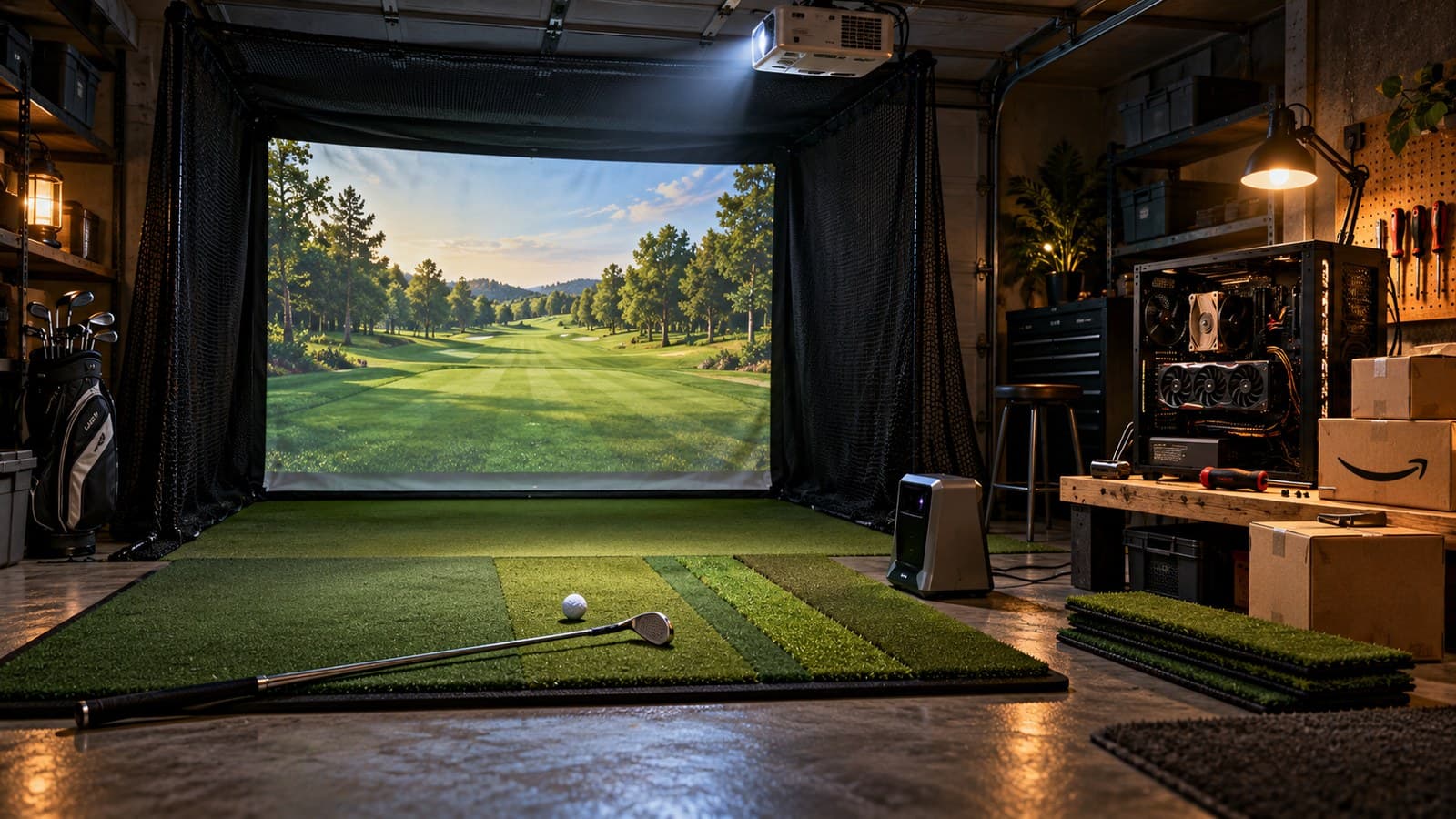
    To cover rough plasterboard walls in his second bay, he hung three black photography backdrops from Amazon at £25 each. For the black border around the screen, he cuts black marine carpet into strips and attaches them with Velcro. He warns this takes a fair bit of DIY. For side protection, he suggests long, heavy black curtains instead of foam tiles. For lighting, he controls Tapo smart bulbs from his phone and says four of them cost about £40.

  • The affiliate tip

    One tip is to use a creator's discount code on a launch monitor, which he says usually takes at least 5% off. He says creators earn a cut from those codes too. His own codes, his course and the Amazon links for the mount, backdrop and bulbs are in the video description.

    If you're building now

    The mat strips, a used projector from a reseller's list and a 1080p TV are the cheapest tips to try. Check any used PC against your software's minimum specs before you pay for it.