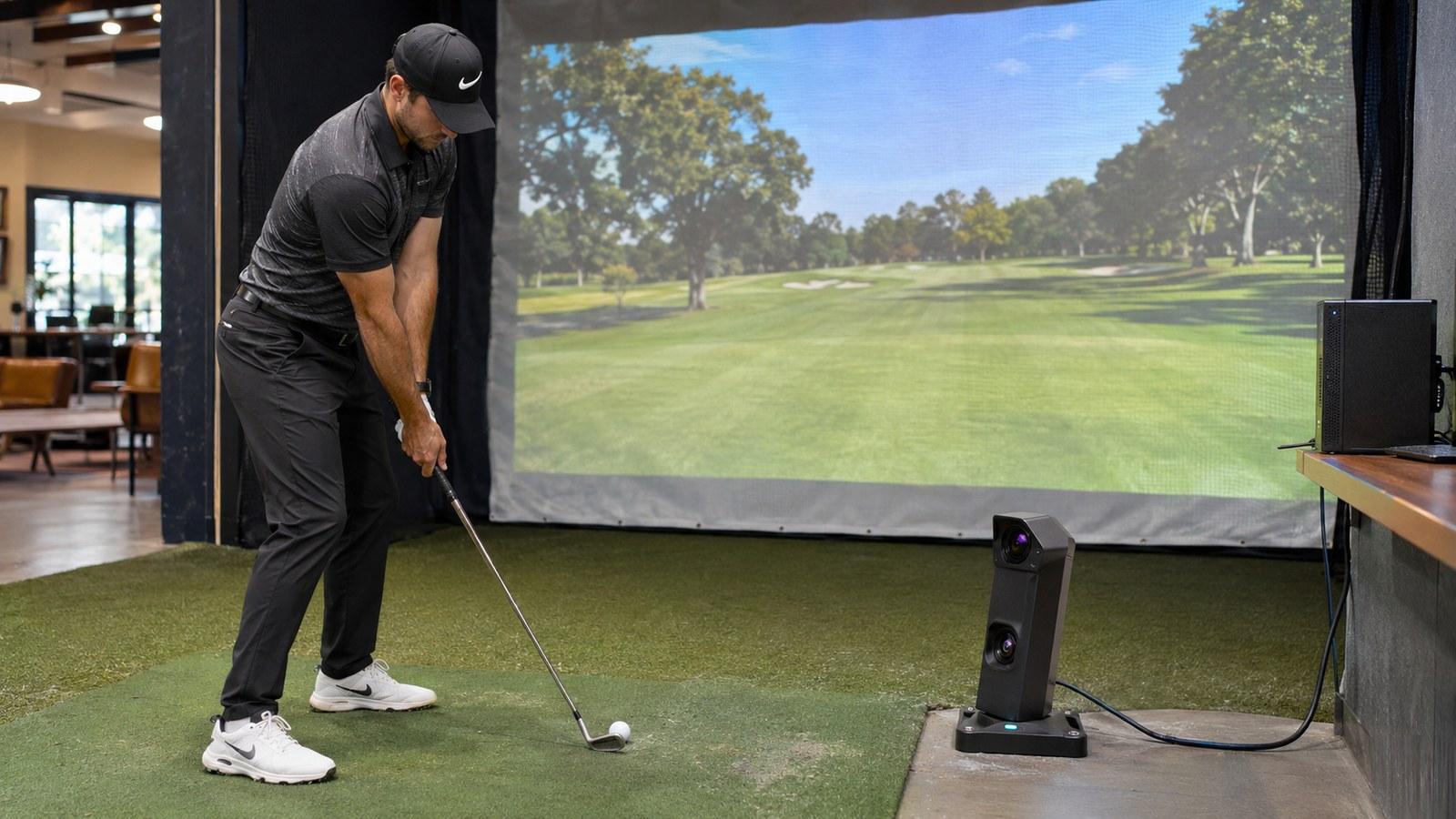
What each major launch monitor needs to run GSPro, E6 Connect or Awesome Golf
Some monitors plug straight in, some need a paid plan from their maker first and some only work through a community bridge. We checked the route, the extra cost and the connection for each on Nov. 19.
By The Perfect Lie Golf Desk1 sourcePublished November 19, 2026
Before you pick simulator software, find out how your launch monitor gets its shots into it. Some monitors are built into the software. Some need a paid plan from the hardware maker before any outside program can see them. Others only connect through a small bridge app that a hobbyist wrote and keeps going for free. Which of those you're on decides what you pay each year and who fixes it when it stops working.
This guide covers GSPro, the Windows program most home builders end up on, plus E6 Connect and Awesome Golf. Everything was checked against maker and GSPro pages on Nov. 19, 2026. For the newer platforms, see our guide to connecting a launch monitor to PurePlay, Infinite Tees or ShotForge.
Three ways in
Native. The software has a built-in connection for your exact model. In GSPro, that means picking your monitor when you buy the $250-a-year license. A helper window called GSPro Connect then finds the device and passes shots through. GSPro's list runs past 30 models, including the Garmin R10 and R50, Rapsodo MLM2PRO, FlightScope Mevo+ and Mevo Gen2, Uneekor's EYE line, Foresight's GC3, GCQuad, QuadMAX and Falcon, the Bushnell Launch Pro, Full Swing KIT, ProTee VX and Square Golf.
Free to play
Make your call with Beat Chuck
Check the challenge board for the latest open games.
All Beat Chuck games →
- Select a dotted term for a quick explanation.
Open Connect. GSPro also publishes an open interface. Its documentation describes a local socket on port 921 that needs no sign-in. Any program can send it ball speed, and spin, and GSPro answers with the golfer's handedness and the club selected. Some makers build on it themselves. Square Golf, for example, tells owners to buy GSPro's Open API license and install Square's own connector. That still counts as supported, because Square built and maintains the connector.
Quick definitionLaunch angle
How steeply the ball rises as it leaves the clubface.
A shot launched at 30° starts out steeper than one launched at 20°. How far it flies also depends on speed and spin.
Source · TrackmanRelated guideHow to connect your launch monitor →Community bridges. If neither the maker nor GSPro built a connection, hobbyists often write one against Open Connect. SkyTrak is the best-known case. GSPro's FAQ tells SkyTrak owners to ask SkyTrak for an integration, and in the meantime owners run a free bridge called OpenSkyPlus2 that is shared through the Simulator Golf Tour Discord. These bridges can work well. When one breaks, though, nobody is obliged to fix it.
What each monitor needs for GSPro
Launch monitor Route into GSPro Extra plan from the maker Link to the PC Garmin Approach R10 Native None named Bluetooth (USB adapter if the PC lacks it) Garmin Approach R50 Native None named Wi-Fi, with the R50's own hotspot recommended Rapsodo MLM2PRO Native Paid Rapsodo membership, plus re-authorizing in the Rapsodo app every 24 hours Bluetooth Bushnell Launch Pro Native Paid Foresight+ Gold, $599 a year (GSPro says a Gold trial doesn't count) Direct to the PC or Wi-Fi Foresight GC3, GCQuad, QuadMAX, Falcon Native Foresight+ Gold, or an FSX Play or FSX 2020 license you already own Direct, Wi-Fi or USB, by model Uneekor EYE MINI, MINI LITE, EYE XO, XO2, XR, QED Native Uneekor Pro, $199 a year, or a higher tier Through Uneekor's PC software Full Swing KIT Native since July 2024 None named USB-C or wireless, per Full Swing's guides FlightScope Mevo+ and Mevo Gen2 Native, through FlightScope's Connect app None Wi-Fi ProTee VX ProTee's own connector None named Through ProTee Labs on the PC Square Golf Home and Omni Square's connector on an Open API license None named Connector app on the PC SkyTrak, SkyTrak+, ST MAX Community bridge only None for the bridge Unofficial Trackman Not supported n/a Trackman's own software only Rapsodo's membership page lists third-party software access in its paid tiers, starting at $199.99 a year. Uneekor's new $299 Pro+ tier includes a year of GSPro. Foresight says perpetual FSX licenses keep working with GSPro. Owners who move to the new Foresight+ plans need Gold, and Silver and Free don't include third-party software. Foresight's GSPro product page says the GC2 isn't supported.
E6 Connect, Awesome Golf and the rest
The biggest practical split between programs is the computer they run on. GSPro is Windows only. E6 Connect runs on a Windows PC or an iPad or iPhone. Awesome Golf runs on iPad, iPhone, Mac, Chromebook, Android and Windows, and its license follows the launch monitor from one device to the next.
Each program has its own monitor list. Awesome Golf's covers Garmin, FlightScope, Bushnell, Foresight, Rapsodo, Square Golf, ProTee and Uneekor's EYE MINI. Its docs list Foresight+ Gold as a requirement for Foresight and Bushnell units and Rapsodo's paid membership for the MLM2PRO, the same gates GSPro has. The R10 pairs with it directly over Bluetooth, or through Awesome Golf's Assistant app on a second phone. On E6 Connect, the R10 goes through the Garmin Golf app. Garmin says the phone and the PC have to be on the same Wi-Fi network.
Uneekor's list of supported third-party programs includes Creative Golf 3D and The Golf Club 2019. Uneekor notes that TGC 2019 is no longer sold, though existing subscriptions still work. Trackman owners play in Trackman's own software. SkyTrak's third-party options have narrowed too: MyGolfSimulator reports that E6 Connect, TGC 2019 and ProTee Play were dropped for new SkyTrak customers in 2024 and 2025, and XS Golf says SkyTrak no longer officially supports third-party software for new buyers. That leaves SkyTrak's own course play and the GSPro community bridge.
Gotchas that cost people an evening
- The license type has to match the device. GSPro ties each license to a monitor type. If you switch monitors, or move to a community connector that needs the Open API type, run GSPro's free License Conversion Tool and clear your GSPro Connect settings first.
- Leave GSPro Connect open. GSPro's R10 guide says you can minimize it, but closing it drops the connection.
- Re-authorize the Rapsodo every day. GSPro's guide says to do it in the Rapsodo app before you start GSPro, every 24 hours.
- Keep your internet on a separate adapter. If you connect a Foresight unit straight to the PC over Wi-Fi, GSPro suggests a second Wi-Fi adapter so the PC stays online.
- Watch the network. If the bridge runs on a different machine, port 921 has to be open on the GSPro PC. Garmin's E6 troubleshooting says to set the Windows network to Public and turn off any VPN.
- Open Connect takes one app at a time. Community connector developers say GSPro accepts only one Open Connect client at a time, so a second app, such as a putting camera, has to go through the same bridge. GSPro's own documentation doesn't say either way.
Our take
If GSPro is why you're buying, choose a monitor on GSPro's list that needs no extra plan: Garmin, FlightScope, Square, ProTee or Full Swing. Then your yearly software cost is just the $250 license. Uneekor and Rapsodo add roughly $200 a year. Foresight and Bushnell owners without an older FSX license pay $599 a year for Gold on top of GSPro, which comes to $849. If you need an iPad setup, you're choosing between E6 Connect and Awesome Golf, not GSPro. Treat a community bridge as a bonus that might stop working, and don't buy hardware on the assumption that one will keep running.
- YouTube
GSPro // Flightscope: How to Connect
Read source ↗
Beat Chuck · Free to play
Can you outpick Chuck?
Make yes-or-no picks on TGL and WTGL golf. Beat Chuck by getting more picks right than he does.
More from The Perfect Lie
Related stories
 Build & TechPutting on a home simulator: which launch monitors read putts and when auto-putt is enough
 Build & TechChris Dennis tests Shot Vision, a phone launch monitor pitched below Trackman
 Sim NewsBryson DeChambeau signs a multi-year Swag Golf apparel deal Monday
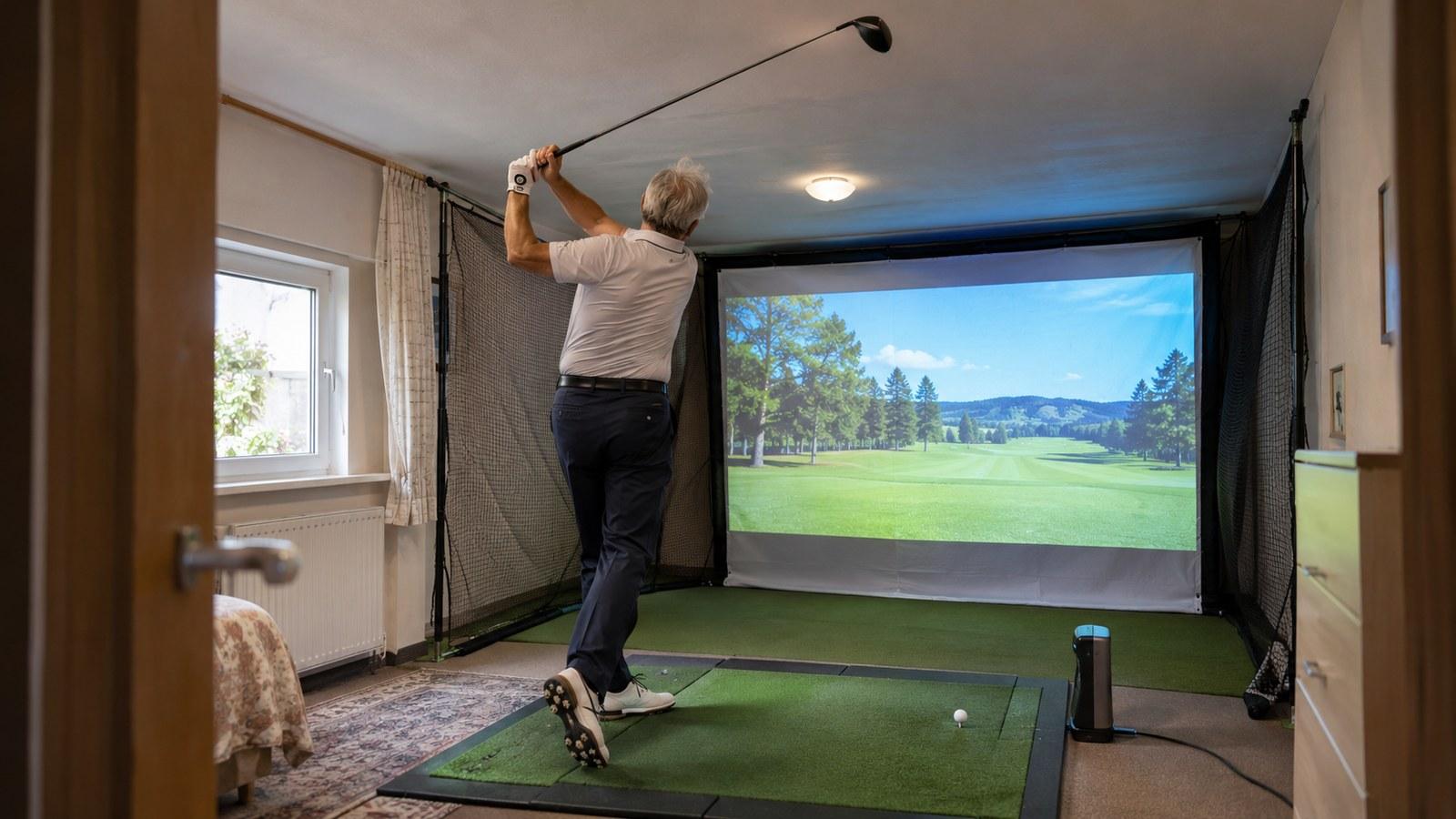 Build & TechA spare-room sim in Germany fits a full driver swing under an 8-foot-7 ceiling