Build & Gear
Golf Simulator Hardware
Choose the right net, impact screen, hitting mat and projector for your room. Then plan lighting, shot-data displays, swing cameras, tees and the small parts that make the setup work.
Share this article
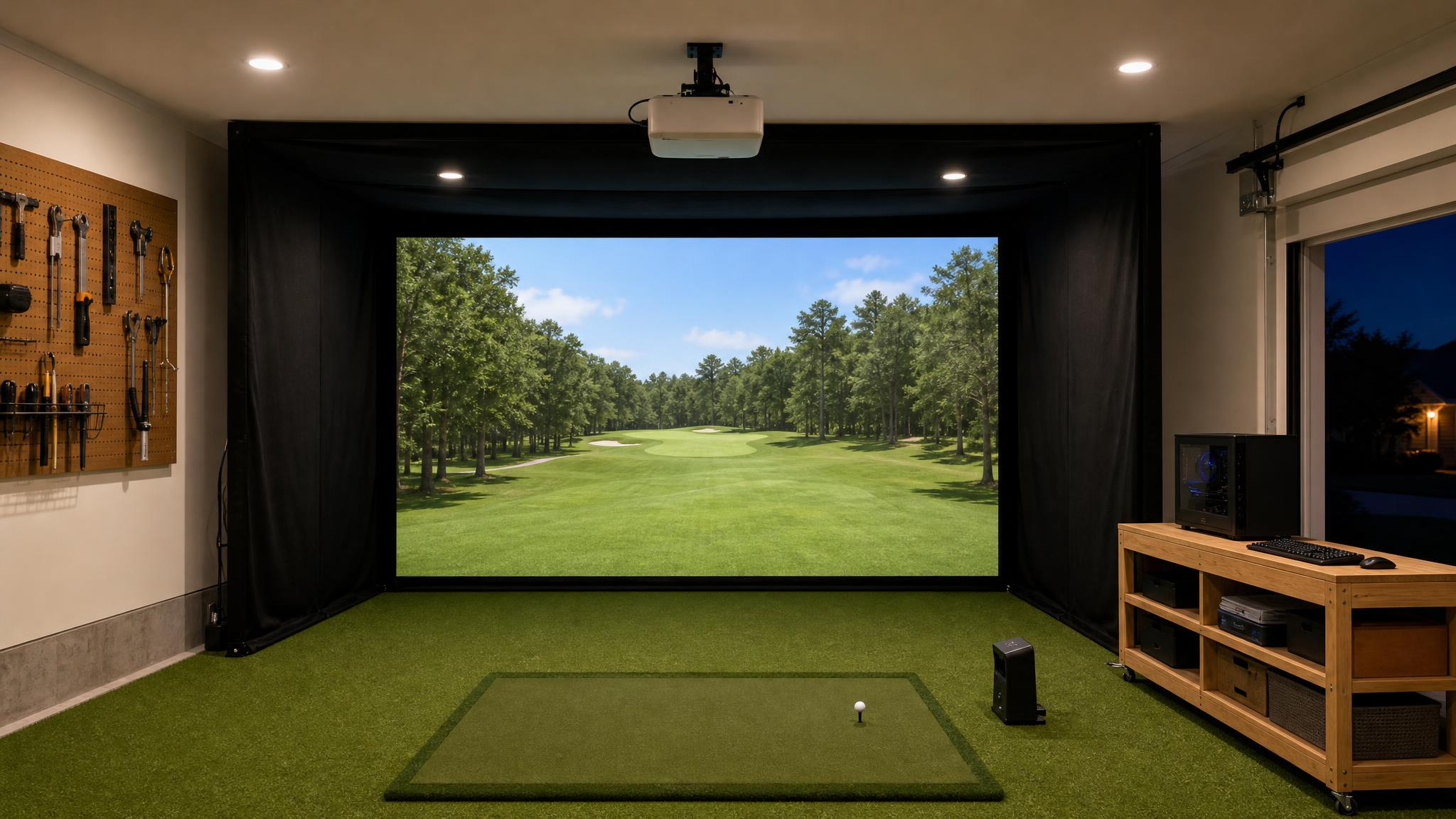
Start with the room. Measure the clear swing area and check the launch monitor’s space requirements. If the bay has to pack away, start with a net and separate display. If you want to hit into the projected course, plan the impact screen, enclosure and projector as a set.
Practice nets
A freestanding net and a separate TV, tablet or laptop can work in a room you need to clear after practice. Choose a net rated for the balls and clubs you’ll use. Check the full footprint with the net up, including room behind it to flex and side and overhead coverage for mishits.
Before you buy. Check the net’s setup instructions and the launch monitor’s minimum ball-to-net distance. Inspect the net for wear and gaps before hitting.
Impact screens
Use an impact screen when you want the course projected onto the surface that stops the ball. Compare the usable picture area, mounting system, image texture and how the screen handles bounce-back. Leave the clearance specified by the screen maker so it can flex without hitting the wall.
Before you buy. Measure the visible screen inside its borders. Check that the frame, bottom edge and gaps around the screen are covered or padded as directed by the enclosure maker.
DIY setups and enclosures
Mark the ball position, swing area and screen plane before ordering a frame. A portable net bay keeps the room flexible. A freestanding enclosure adds side and ceiling coverage for a projected setup. For a fixed build, plan access to cables and the screen so you can service or replace parts later.
Before you buy. Include the lowest obstruction, left- and right-handed swings, launch monitor clearances and the space behind the net or screen in your sketch.
Hitting mats and strips
A full mat gives you a stance area and a hitting surface. A replaceable strip lets you change the worn part without replacing the whole floor. Compare how the surface feels on a strike that catches the mat first, whether the base shifts and how much standing room each player needs.
Before you buy. Measure the stance and hitting surfaces together. The insert should sit flush and the finished floor height must work with the launch monitor’s setup instructions.
Lighting
Give the hitting area its own light so you can see the ball while keeping direct light off the impact screen. If you record swings, test the lighting at your camera’s recording settings. A light can look steady to your eyes and still produce bands or flicker in the video.
Before you buy. Check your launch monitor’s lighting requirements, then test the projector, camera and monitor together under the lighting you’ll use to play.
Overhead projectors and shot-data displays
For the main projector, match the lens’s throw ratio to your screen’s usable image size and the available mounting distance. Check for shadows and keep the projector and mount outside the club path. For shot numbers or swing replay, a side monitor can be easier to read. An overhead projector aimed at a separate surface can show that same view if the software and video outputs support it.
Before you buy. Decide whether you want to mirror the game or extend the desktop for a separate data view. Test the exact app and display output before mounting or routing cables. A second output alone doesn’t guarantee a separate stats panel.
Swing cameras
Start with a down-the-line view behind the player or a face-on view from across the hitting area. Use both if you have room to keep the cameras out of the swing and ball paths. Frame the whole golfer and club through the finish, then test a fast swing for blur.
Before you buy. If you want automatic replay tied to each shot, confirm which cameras, connections and software features your platform supports. A phone recording works for manual review.
Tees and everyday essentials
Match the tee to the hitting strip. Some inserts accept a standard tee, some use a rubber holder and others need a freestanding indoor tee. Keep a few heights handy for different clubs. Check whether your launch monitor requires marked balls or club stickers and follow the screen maker’s ball care guidance.
Before you buy. Include frame padding, spare screen fasteners, cables and a way to keep cords out of the walking and hitting areas. Inspect wear items regularly.
See how others built their rooms
Browse room builds, gear reviews and tests for examples of these choices in real spaces.