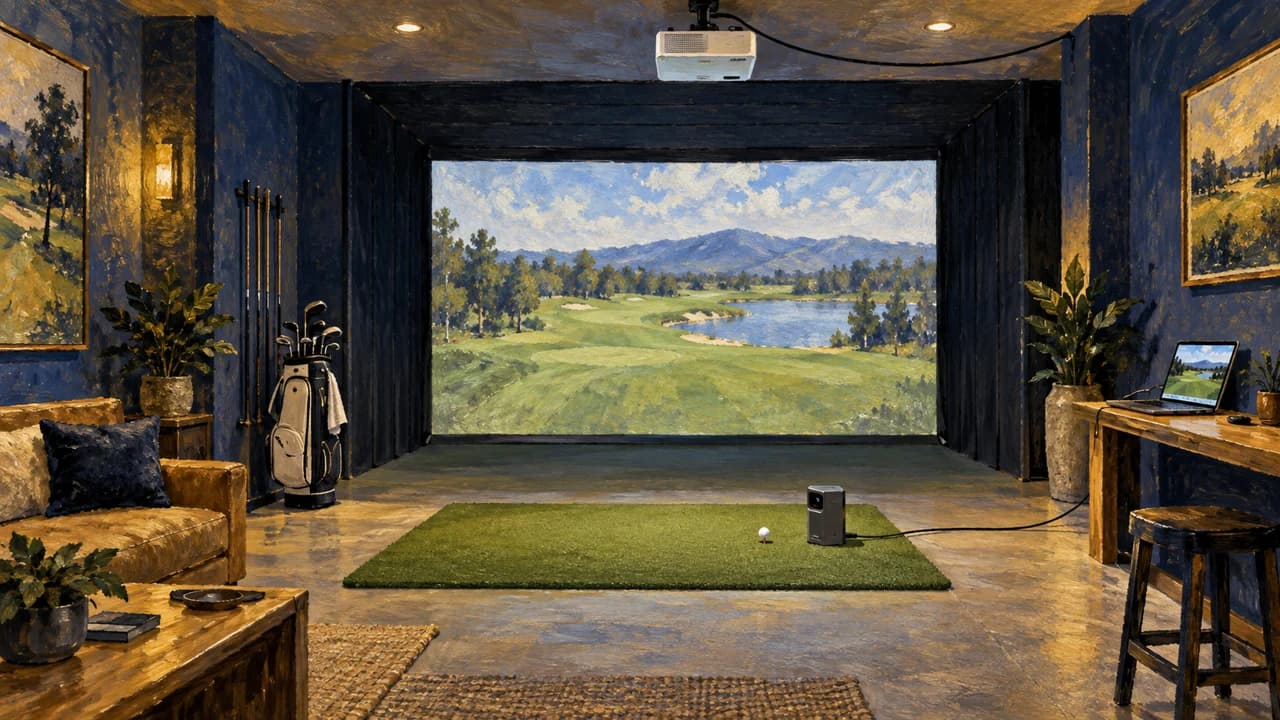
Square’s home simulator package puts the display connection and course credits in focus
An October 10 retailer review offers a room-planning checklist, with Square and BenQ specifications explaining the app, projector and play costs.
By Golf Desk / Published October 11, 2026
OpenGolfer’s October 10 review of its Square Golf home simulator package asks how the room, launch monitor and projected image will work together. The UK retailer describes a setup with an enclosure, hitting mat, rubber base and BenQ projector.
OpenGolfer sells the package it is reviewing. It recommends at least three metres of width, 2.7 metres of height and 4.2 metres of length. Those dimensions are a planning recommendation, rather than a guarantee of safe clearance for every golfer.
The display connection needs its own check. The review explains that the monitor sends shot information to the app; the device running that app supplies the picture to the projector. A phone needs the appropriate video connection, while a laptop can provide HDMI. The retailer treats a gaming PC as a separate consideration for GSPro.
Free to play
Make your call with Beat Chuck
Check the challenge board for the latest open games.
All Beat Chuck games →

Square’s official software page confirms that its app runs on Windows, Android and iOS and connects to the monitor through Bluetooth. Its own practice modes do not require a subscription. Course play uses a different arrangement: one credit for each hole played by each person. Four players completing 18 holes would therefore use 72 credits. That distinction matters when comparing an occasional practice session with a regular group game night.
The projector specification is another place to be precise. BenQ lists the AH500ST’s resolution as 1920 by 1080, with a fixed 0.499 throw ratio and HDMI inputs. Buyers should plan around those published display specifications and the chosen screen size when deciding where the projector will sit.
The review’s useful contribution is the connection between the components. A launch monitor, app and enclosure can each look straightforward on their own; the room still needs a working route from the shot to the screen, enough clearance for the golfer and a clear understanding of how course play is charged.
More from The Perfect Lie
Related stories
NewsJoe Lagowski puts BenQ’s SL7504 beside the simulator screen
NewsTriple Bogey Golf's Optoma test puts the simulator screen shape in focus

NewsFlightScope’s FS Golf update brings targets, swing comparisons and saved setups

NewsSKYTRAK 6.2 puts club selection and saved-round fixes into its course-play update