Can you outpick Chuck?

Make yes-or-no picks on TGL and WTGL golf. Beat Chuck by getting more picks right than he does.

Browse golf challenges
Golf Sim Australia's six steps to a home simulator that feels premium cover
Back to The Perfect Lie

Golf Sim Australia's six steps to a home simulator that feels premium

Golf Sim Australia's Matty Guy says the gear list doesn't decide whether a home simulator feels high-end. His new video walks through the finish work that does, from screen size and padded walls to lighting and multi-use design.

Share this article

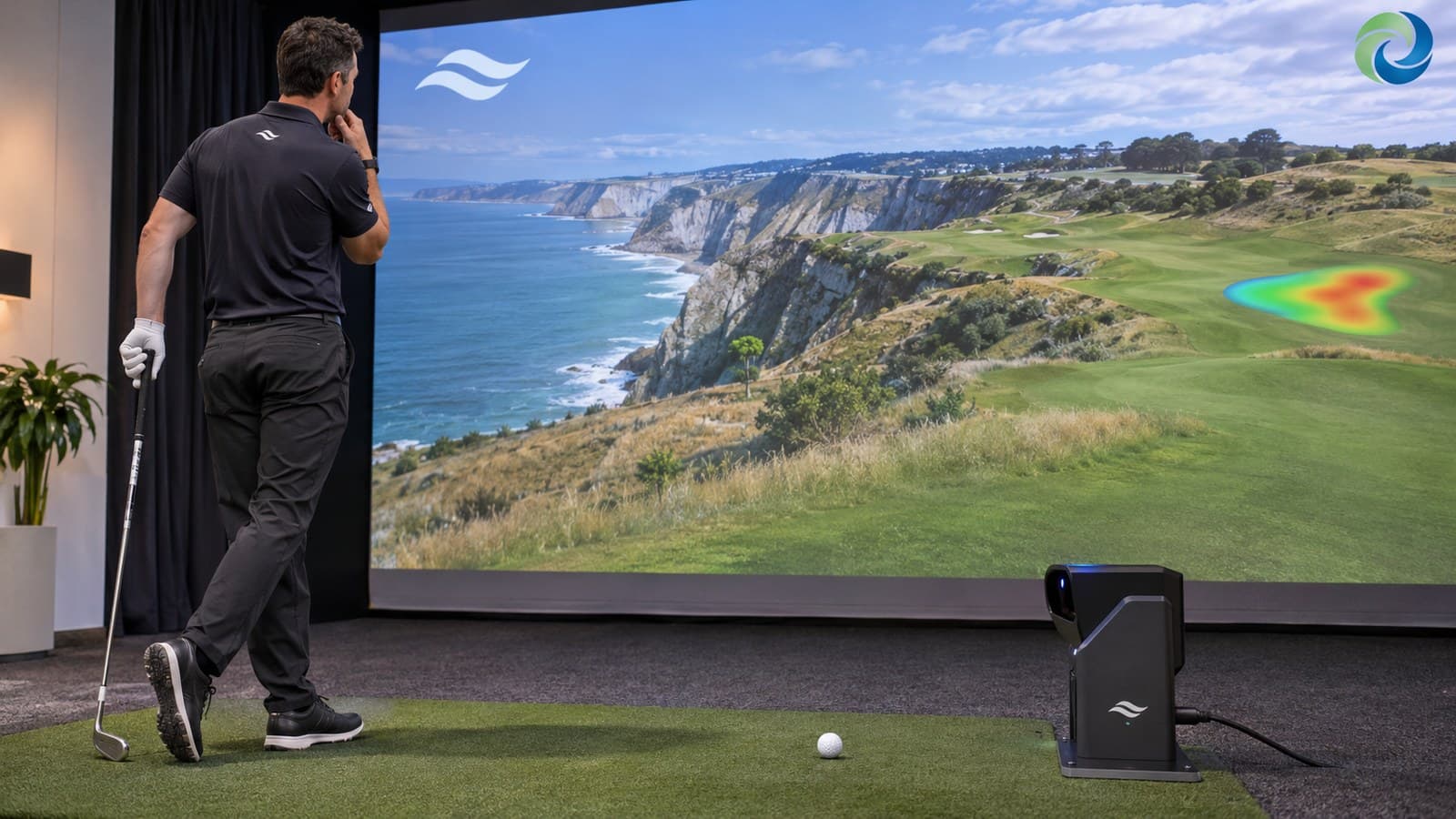
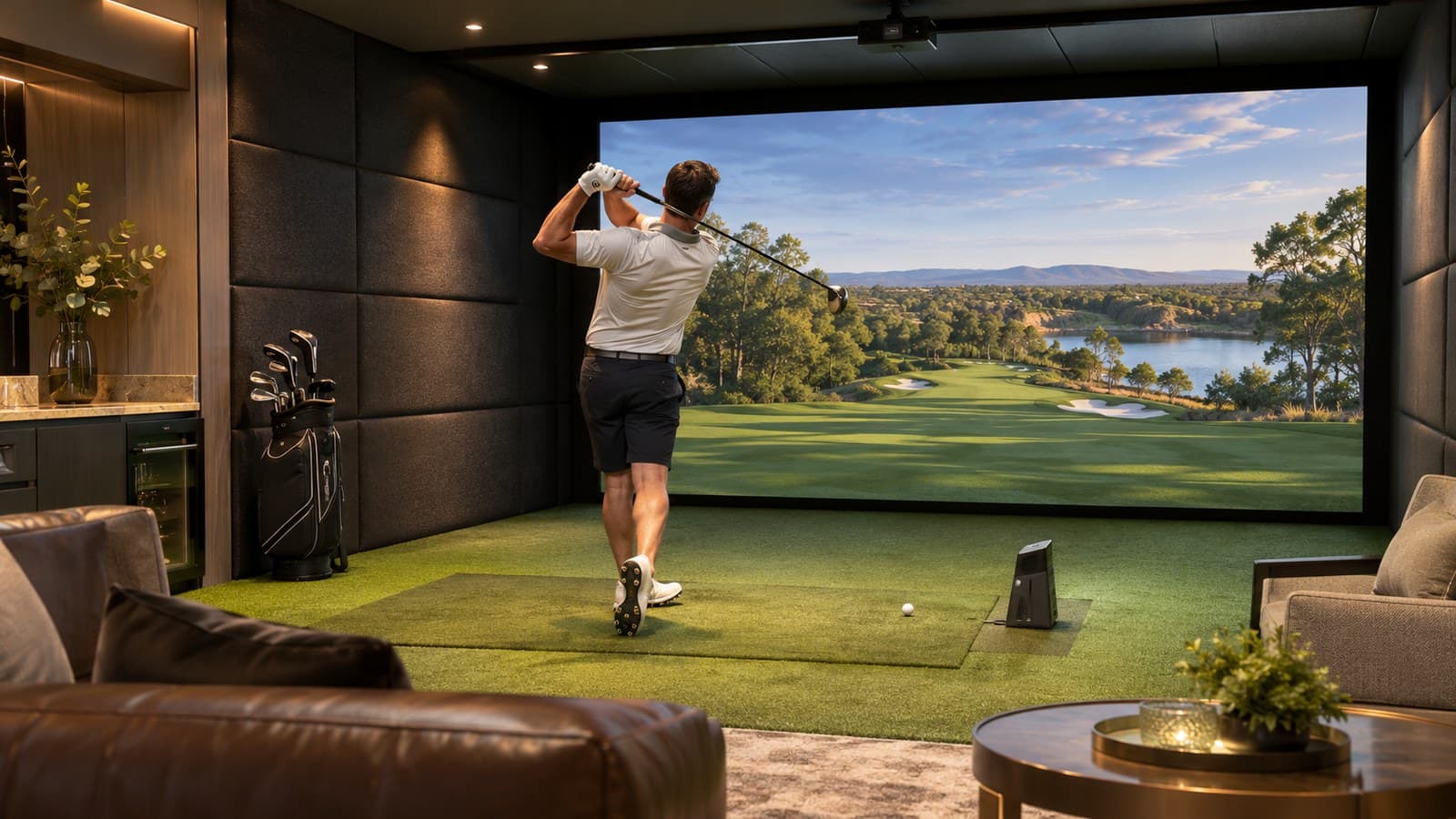
  • Golf Sim Australia's Matty Guy argues in a video posted Wednesday that you can spend a lot on a launch monitor, projector and PC and still end up with a simulator that feels cheap. Filmed in the company's showroom bay, the video says the difference comes from how the whole room is put together. Here's his checklist, in the order he builds a room.

  • 1. Start with the room

    Before finishes or tech, the space has to work for golf. Can the golfer swing comfortably? Where do they hit from? Does the room need to fit right- and left-handed players? How big can the screen go, and what else will the room be used for? A cramped layout never feels right, whatever's in it.

    2. Make the technology belong

    A sim room has a lot of gear: launch monitor, projector, PC, touchscreens, cables, controls, audio and sometimes extra displays. Added after the fact, it looks cluttered. Guy doesn't say you have to hide all of it. Anything you can see should look deliberate, cables should be managed, and the controls should be easy to use.

  • Make your call with Beat Chuck

    Check the challenge board for the latest open games.

    All Beat Chuck games →

    Golf Chuck
  • 3. Fill the front of the room

    The screen is where you look over the ball, so size, proportion, brightness and projector placement all have to work together. A great projector throwing a small image on a big wall loses the immersion. The goal is a course that fills the front wall.

    4. Treat the sound

    Hitting balls indoors is loud, and hard surfaces make it harsh. Padded and upholstered wall tiles help the acoustics, protect the area around the hitting zone and, in his view, do more than anything else to change the look from sim bay to finished room.

    5. Light it without washing out the picture

    The answer isn't more lights. It's where they go and how much control you have over them. Flooring, cabinetry, wall treatments and materials then make it feel like part of the house, whether that's a dark cinema room, a clean modern space or a personal man cave.

  • 6. Plan for everything else first

    Many of his clients also use the room to watch footy, play games or host friends, with seating, surround sound or even a bar. If you know that at the start, you can design seating, AV, lighting and cabinetry around it.

    What to do now

    If you're planning a build, Guy's advice is to start with the room and how you'll use it, not a shopping list of products. Measure the space, settle on handedness and screen size, and plan cable runs and acoustic panels before buying the launch monitor. Golf Sim Australia, which sells simulator builds, invites viewers to send room dimensions for a look.