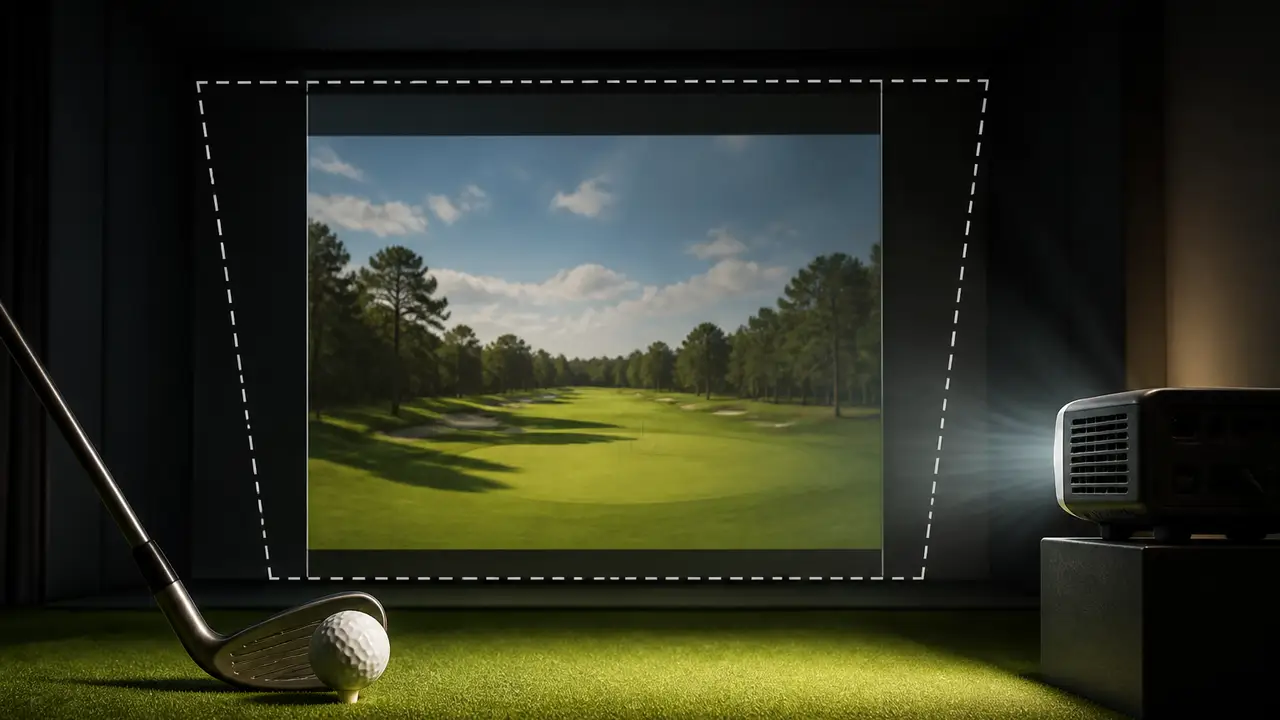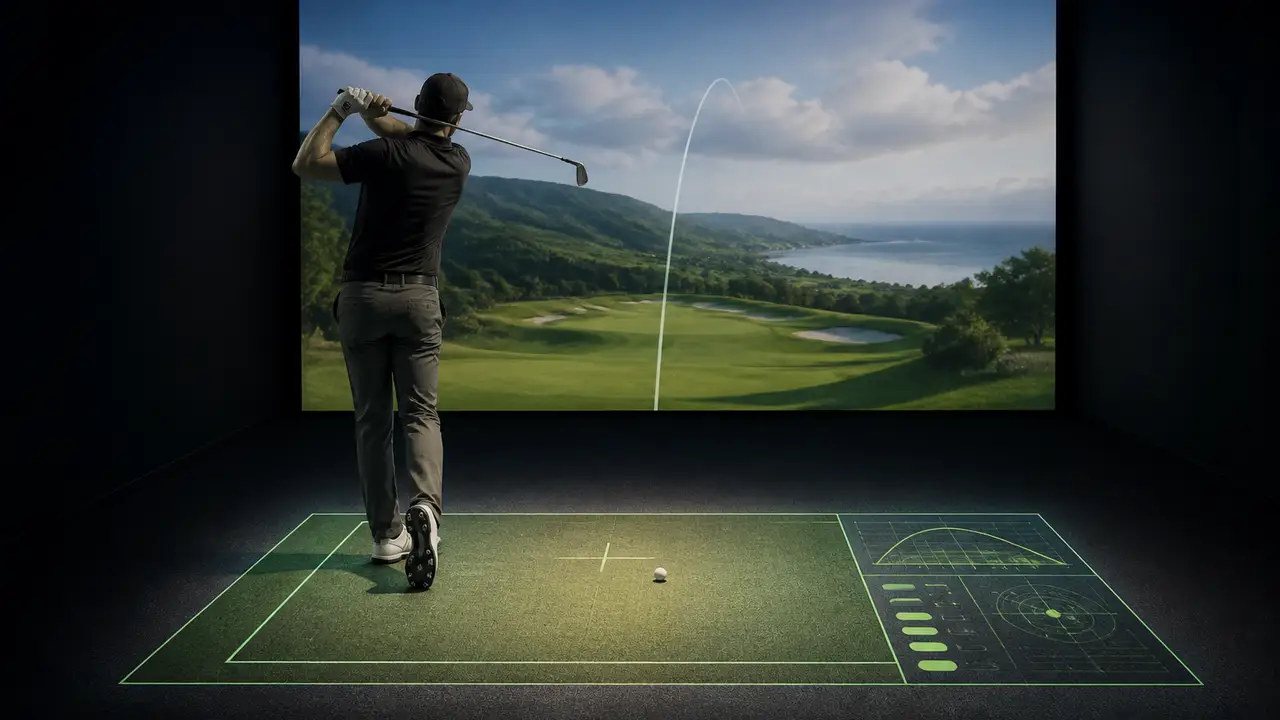
2nd Flight Golf uses OBS to put a hitting box and shot data on the simulator floor
A second projector carries a separate scene while the main screen keeps the golf software.
By Golf Desk / 1 source / Published October 8, 2026
A golf simulator’s floor can carry more than turf and a hitting strip. In a setup guide from 2nd Flight Golf, a second projector displays a hitting box, a putting line and selected shot data on the ground, using an OBS Studio scene assembled on the same computer that runs the simulator.
The useful part of the demonstration is how it separates the displays. The creator keeps the OBS controls on the primary monitor, builds the floor layout there and sends the finished scene to the downward-facing projector. The simulator’s main screen continues to show the course.
- YouTube
2nd Flight Golf: complete OBS floor-projection guide
Read source ↗ OBS’s official projector guide confirms that individual sources and complete scenes can be sent to another connected display, either in a window or full screen. A scene output lets the operator send a composition of several elements to that display rather than moving the whole OBS application into view.
Free to play
Make your call with Beat Chuck
Check the challenge board for the latest open games.
All Beat Chuck games →
The software also offers settings to hide the cursor over projector outputs and save those outputs on exit so they reopen with OBS. Those options matter in a simulator room where the projected layout is meant to stay in place between sessions.
In the video, the floor scene starts with a simple hitting-area rectangle and an outline. The creator then adds a putting guide and captures portions of GSPro’s display for the course name and ball data. He crops each element to leave the information he wants, resizes it and arranges it within the floor canvas.
Grouping related elements lets him move the hitting box and its border together. Locking finished sources prevents an accidental adjustment while he places the next part of the layout. Those editing steps are useful when the projected image needs to line up with a physical hitting strip.
The room itself determines the projector choice. The guide asks viewers to consider ceiling height, throw distance, the floor area to be covered and ambient light. The creator’s inexpensive projector is an example from his installation, rather than a specification that will fit every room.
A computer also needs an available connection for the additional display. His setup uses HDMI or a DisplayPort-to-HDMI connection. He notes that running the golf software and OBS together adds demands on the machine, so the capture method and existing workload deserve attention before the layout grows.
The finished floor carries a small set of useful elements. The demonstration gives simulator owners a way to place information near the ball while keeping a separate course view, with each element adjustable inside one OBS scene.
More from The Perfect Lie