2nd Flight Golf ships a free OBS Overlay Studio for sim streamers
The Nov. 2 tutorial walks through browser-source overlays on 2ndflightgolf.com: leaderboards, scrolling banners, 1–4 camera canvases and starting-soon screens, still marked beta but ready to paste into OBS.
By The Perfect Lie Golf Desk / 1 source / Published November 6, 2026
2nd Flight Golf built a free OBS Overlay Studio into his website so sim golfers can stream without hand-building every source. The tutorial video, uploaded Nov. 2, treats the tool as public beta and walks through each overlay type end to end.
- YouTube
NEW!
Read source ↗ The studio lives on 2ndflightgolf.com. You customize a layout in the browser, copy a browser-source URL, paste it into OBS Studio, and stream. He says it is aimed at the whole creator community, not only golf simulator channels.
What you can build
- Leaderboards: styled boards you can stack (for example a tips tour and a scramble tour) and hide with OBS's eye icon when a round does not need them.
- Scrolling banners / tickers: animated bottom bars for promos or custom text.
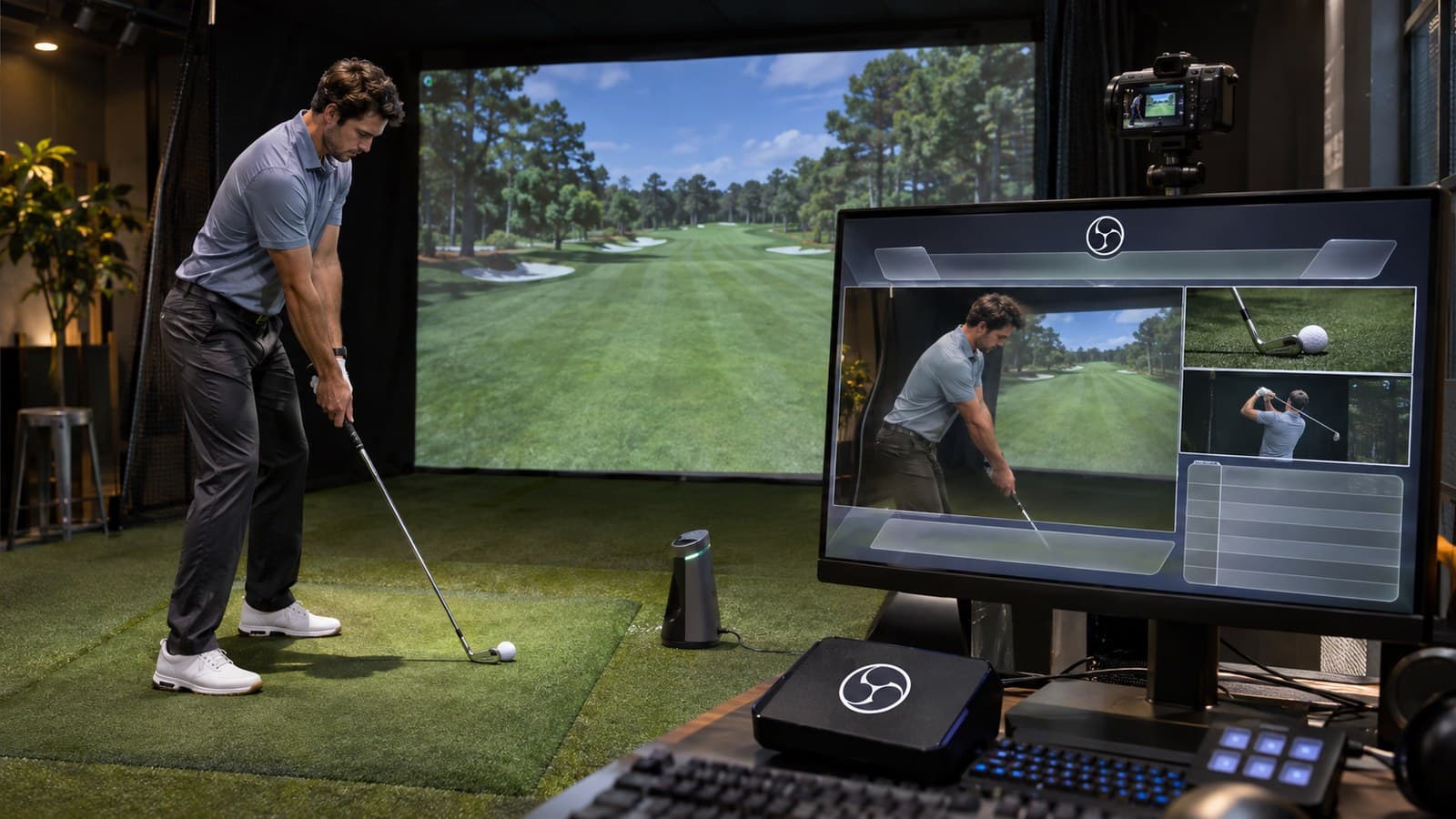
- Streaming canvas: layouts from one camera up to four, with optional player nameplates, outline colors and glow styles. Full-canvas links should be set to 1920×1080 in OBS.
- Starting soon screens: animated holding screens with logos and effects.
In the walkthrough he builds a gameplay-plus-left-camera canvas with a blue outline, drops GSPro in as a window/game capture under the overlay, adds a Cam Link video capture into the camera slot while holding Shift to keep edges clean, then builds a scrolling banner and a green-styled leaderboard he crops with Alt.
Free to play
Make your call with Beat Chuck
Check the challenge board for the latest open games.
All Beat Chuck games →
Why it matters for sim golf
Most bay streamers already run OBS. The usual friction is lining up camera boxes, leaderboards and "starting soon" art by hand. Overlay Studio turns that into a copy-paste browser source. He asks for bug reports through Discord, the site support form or Facebook, and says he will keep adding options based on comments.
If you already stream GSPro or PurePlay nights, open the studio, build one canvas and one leaderboard, and test them on a private OBS scene before a league night. The full tutorial is embedded above.