Make your picks. Beat the host.

Take on Chuck in quick sports prediction challenges.

Find a golf challenge
Friendly Golfer fits a simulator projector by measuring the screen and lens cover
Back to The Perfect Lie

Friendly Golfer fits a simulator projector by measuring the screen and lens

The new installation walkthrough separates physical placement from custom resolution and BenQ’s automatic screen fitting.

Share this article

  • Friendly Golfer's new projector-installation walkthrough starts with the usable white area of an impact screen, then works back to the lens position. It gives home simulator builders a sequence for fitting the picture before relying on digital correction.

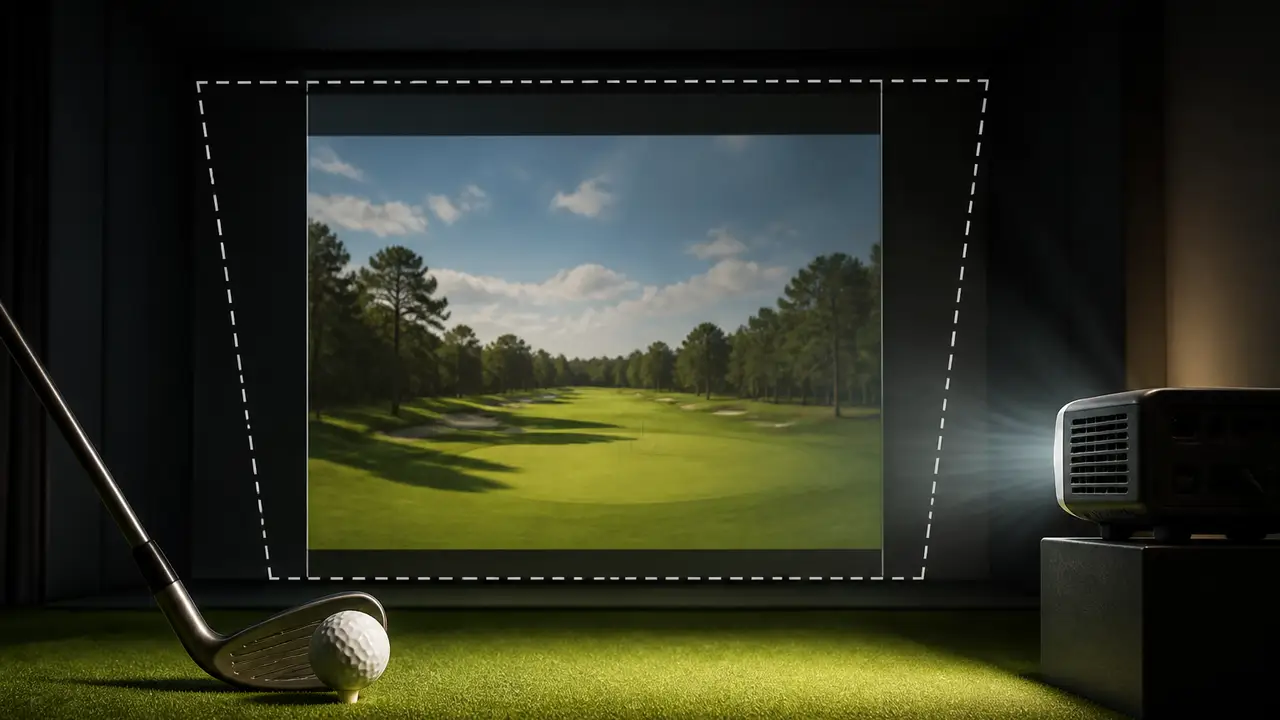
    Published October 15, the video uses a BenQ AK700ST and separates planning, physical positioning and mounting from the later software adjustments. The creator checks a test image in the room, keeps some zoom adjustment available and centers the lens on the screen rather than assuming the projector body's center is the optical center.

    He also shows why an enclosure's roof matters: a projector mounted too high can have its image blocked by the structure in front of it. His ceiling mount and cable routing are part of that particular room's installation.

  • Make your call with Beat Chuck

    Check the challenge board for the latest open games.

    All Beat Chuck games →
    Golf Chuck
  • Optical range comes first

    BenQ lists the AK700ST with a throw ratio of 0.69 to 0.83, a 1.2-times zoom and a native resolution of 3840 by 2160 in a 16:9 shape. These are model specifications, not a single mounting distance that will fit every enclosure.

    Screen size and room geometry determine where that lens can sit. BenQ's own planning guidance calls for checking the projector against the golfer's swing space and the possibility of shadows, alongside the image dimensions.

    The manufacturer's Auto Screen Fit instructions add a practical requirement: a black or similarly high-contrast border at least six centimeters, or 2.4 inches, around the screen. BenQ says the surrounding contrast helps its camera detect the edges, and recommends turning off ambient light during fitting.

  • Keep the creator's settings with his room

    In the manual example, Friendly Golfer settles on a custom output of 3400 by 2160, then adjusts keystone and corners. That is his demonstration's setting. It uses fewer horizontal pixels than the projector's native 3840-by-2160 image.

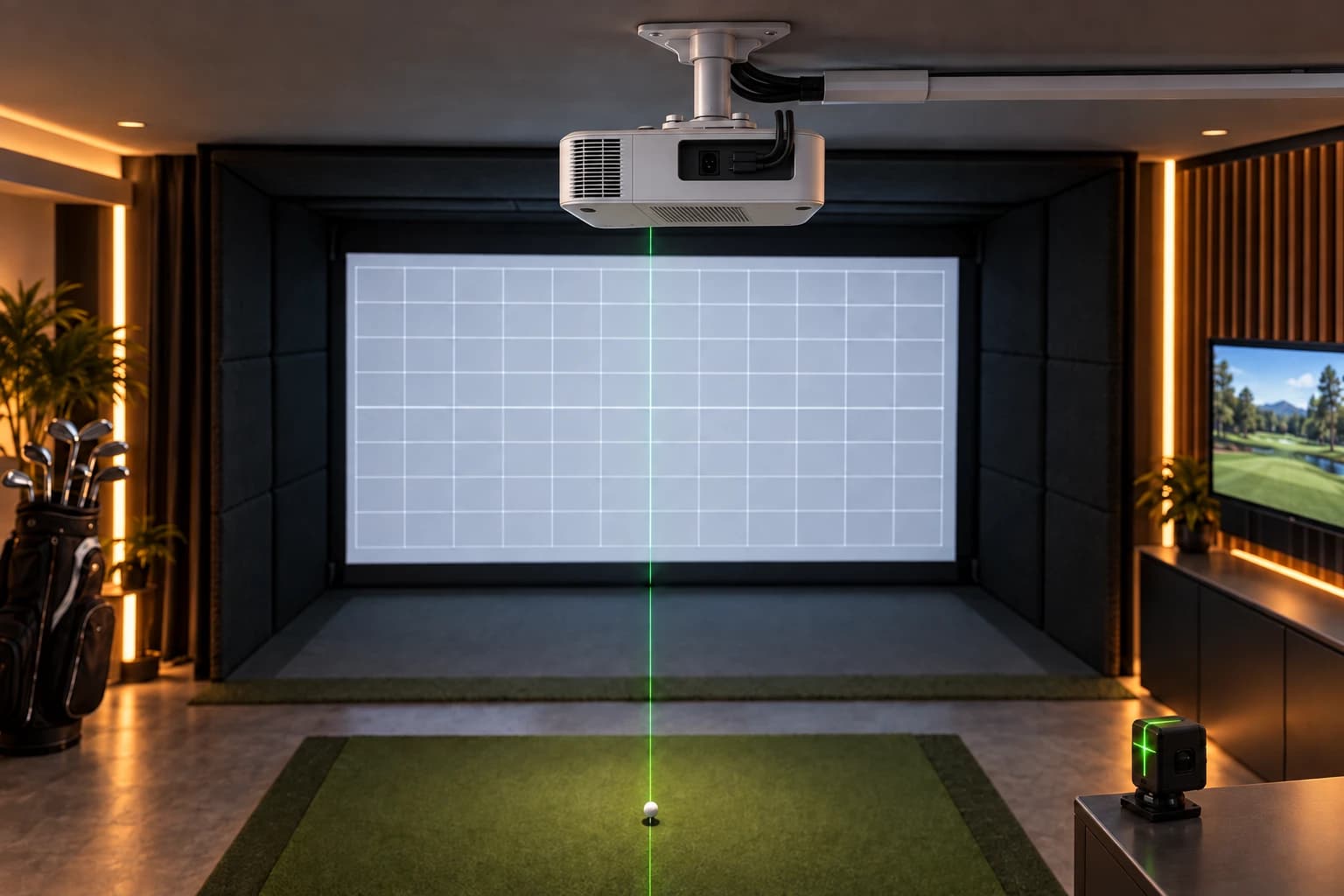
    The video separately shows Auto Screen Fit. BenQ describes that feature as identifying the screen and adjusting the image to standard shapes including 16:9, 16:10, 4:3 and 1:1. Its setup instructions call for the initial projection to extend beyond all four screen corners, followed by corner refinement and focus.

    Friendly Golfer discloses affiliate links in the video description.

    Sources

    BenQ AK700ST official specifications · BenQ: Auto Screen Fit setup requirements