Uneekor's new Eye Mini app brings shot video and a session table to phones
Joe Lagowski Golf's first look shows a Wi-Fi app with configurable data tiles, club video and impact location. He wants two fixes before range use: a range ball mode and a way to start fresh sessions.
By The Perfect Lie Golf Desk / 1 source / Published October 21, 2026
Uneekor has released a phone app for the Eye Mini launch monitor, and Joe Lagowski Golf walked through it in a video posted this week. His take: a useful driving range tool that is missing two features range users will want.
- YouTube
Joe Lagowski Golf: Uneekor Eye Mini app is here, but it's missing 2 big features
Read source ↗ How it works
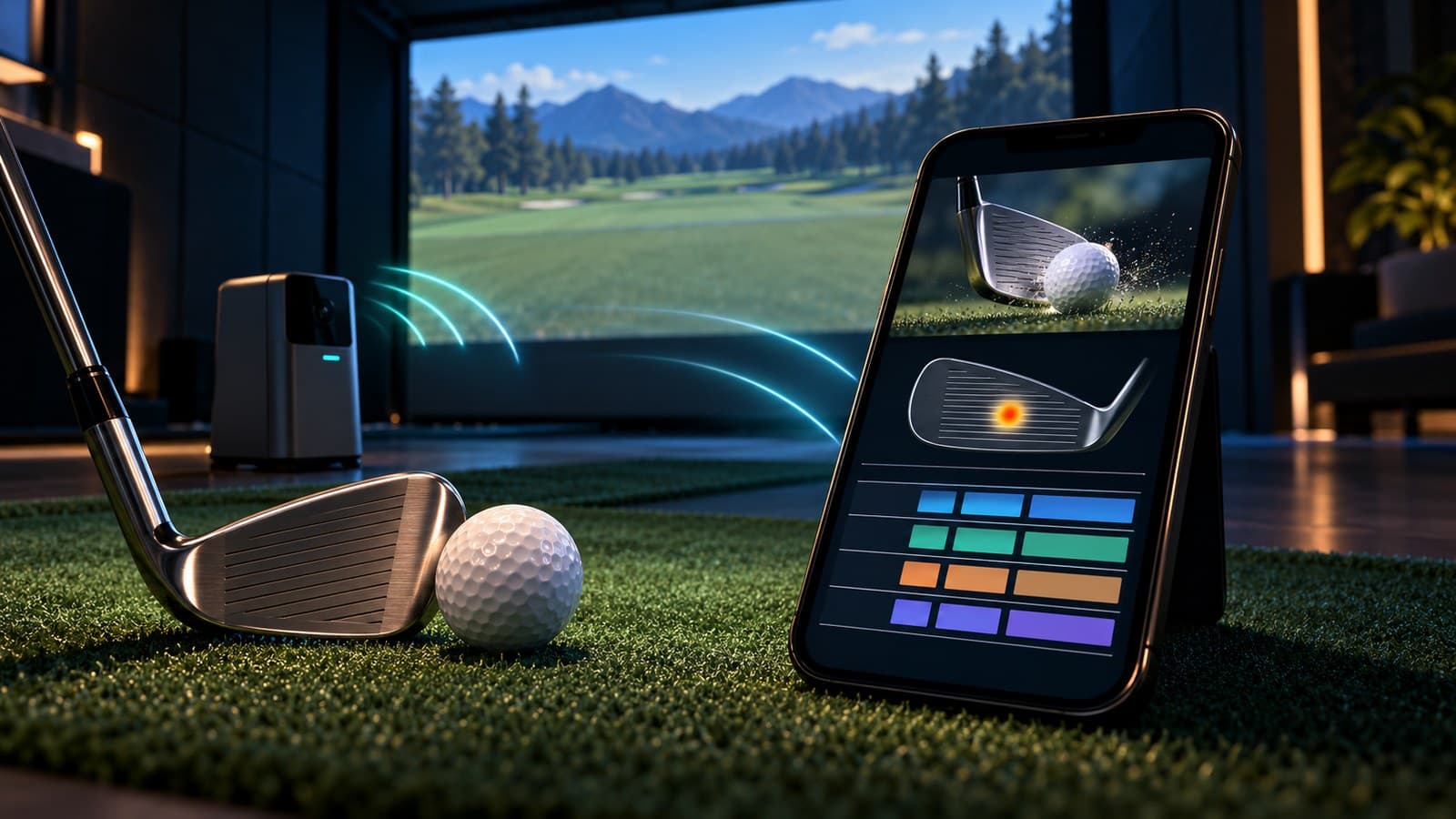
The app connects to the Eye Mini over the unit's own Wi-Fi signal. Put the Eye Mini in AP mode, scan the QR code on its screen with your phone camera, and the app finds it automatically after that first pairing. Lagowski notes the app is built in Unity.
Once you're in, you get a profile page (handedness, units), club selection, a few cosmetic range backdrops and data tiles you can drag into place. He set his to club speed, angle of attack, carry, ball speed and launch angle. The menu also has a dispersion view, a share-shot button that sends an image to a contact, and a session table with averages and max carry for every metric from ball speed to apex and flight time.
Free to play
Make your call with Beat Chuck
Check the challenge board for the latest open games.
All Beat Chuck games →
The club tab is where Wi-Fi pays off. Each shot comes with video, a club overlay and impact location, and the video can go full screen. Landscape mode only works on the ball flight tab for now.
In his short test, three three-quarter 52-degree wedges carried 112, 112 and 114 yards.
What's missing
Lagowski raised two complaints:
- No fresh sessions. He couldn't find a way to delete shots or start a new session, so old shots stay in your current one. His workaround is to create a second user profile.
- No range ball mode. Range balls fly differently from premium balls, and he wants a normalization setting like the one in Foresight's app to adjust ball speed and launch so range numbers line up with what you'd see on the course.
He doesn't see himself using the app at home. There he'd run Uneekor's own software, GSPro or PurePlay on a PC. He sees the app as built for golfers who carry the Eye Mini to the range.
What to do
If you own an Eye Mini and practice at the range, download the app for the club video and session table. Treat carry numbers from range balls with caution until Uneekor adds a range ball mode, and use a separate profile when you want a clean session. Watch for app updates that add session management and normalization.
More from The Perfect Lie